undefined
Posts
undefined
Followers
Cybersecurity Experts Urge Android Users To Enable These 3 Security Settings: Biometric Authentication, More
By Lisa Cupido,
2025-02-15
With so many hackers become more savvy in the ways in which they steal users’ data, it has become more important than ever to make good use of your phone’s privacy settings so that you protect yourself as much as possible. We often hear about how Apple has created its iPhone with built-in security features, and less about Android’s protection services, but they’re robust, as well.
In order to create the most private and secure Android experience, experts say it’s important to turn on these three critical Android security settings. It takes literal minutes to enable these settings and they can provide you peace of mind while protecting your data.
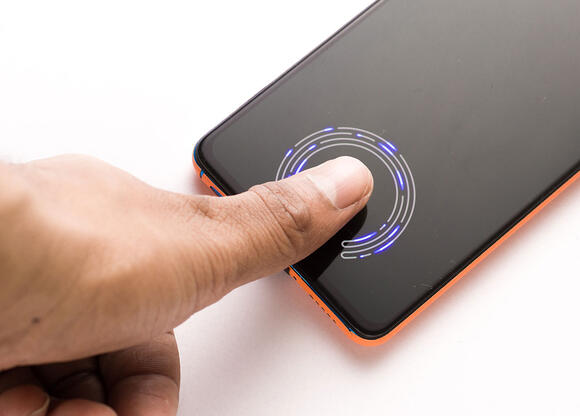
1. Biometric Authentication
It has become all too easy for hackers to figure out simple numeric passwords, and with all of the sites we visit, it’s increasingly more difficult for users to set up complex, unique passwords for each site without using a password manager. Biometric authentication uses fingerprint or facial recognition, or both, so that all you have to do is provide this evidence to gain entry into your phone. It’s easier for you, but it’s also much, much harder for hackers to crack.
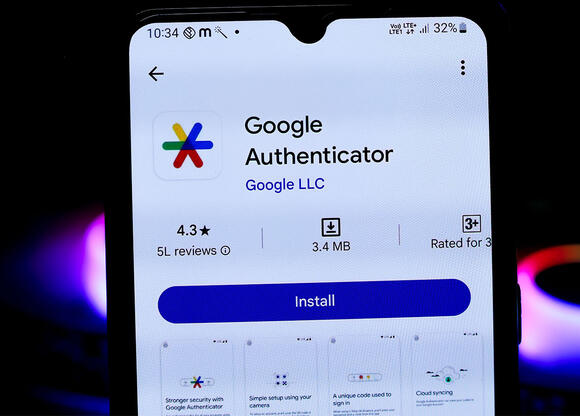
2. Two-Factor Authentication
Experts are pleading with us to set up two-factor authentication for every single app and site that allows it. This security layer requires that you put in a password and also a passcode that is sent to your phone or email. Like biometrics, this makes it less likely that a hacker can bypass your password alone and gain entry to these sites.
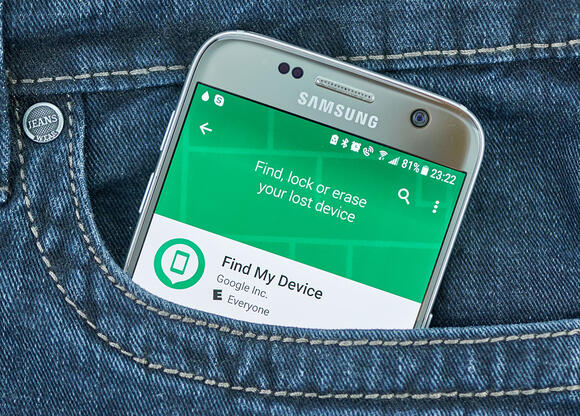
3. Find My Device
If you ever lose your Android, you’ll want to know that Find My Device is enabled on it. This setting will help you locate your phone from another device and also to lock it and swipe it clean of data. In case it happens to fall into the wrong hands, your data won’t be visible to them.
 Add to Preferred Sources